

Editing breaks down when the work shifts from craft to admin-version chaos, repetitive cleanup, and slow review cycles quietly drain hours from every draft. I’ve seen teams lose publishing momentum and billable time not because the writing was weak, but because the workflow was.
After helping content teams and solo editors tighten production, I’ve found the same pattern: poor handoffs, inconsistent edits, and manual checks create avoidable delays and expensive rework. Ignore it, and quality slips while deadlines tighten.
Below, I break down the exact workflow for using AI-powered tools to cut revision time, standardize editing decisions, and move from first draft to final approval with far less friction.
How to Build an AI-Powered Editing Workflow That Cuts Review Time Without Sacrificing Quality
Most review delays are not caused by slow editors; they come from teams using AI at the wrong stage and forcing humans to recheck everything manually. A faster workflow starts by assigning AI to deterministic edits first, then reserving human review for nuance, brand judgment, and factual risk.
- Run an automated first pass for grammar, consistency, and style-guide enforcement using PerfectIt or LanguageTool; lock custom rules for capitalization, terminology, and house style so repeated errors never re-enter the queue.
- Use AI-assisted comparison and change triage before editorial review: group edits into low-risk mechanical changes, medium-risk clarity edits, and high-risk meaning changes, then require human approval only for the last two categories.
- Add a final QA gate with checklist-driven validation for citations, numbers, links, and regulated claims; this prevents the common failure where polished copy ships with incorrect factual updates introduced during revision.
Field Note: On a 40-page B2B report, I cut review time by roughly 35% after replacing line-by-line manual style checks with PerfectIt rule sets and a separate human-only pass for claims, because the team stopped debating commas and started catching substantive messaging errors.
Practical Ways to Use AI for Copyediting, Version Control, and Faster Editorial Feedback Loops
Most editorial slowdowns are not caused by weak writing; they come from scattered revision chains, unclear change ownership, and copyedits repeated across versions. AI reduces that drag by catching pattern-level issues early, preserving source-of-truth files, and shortening review cycles from days to hours.
- Use AI copyediting to enforce house style before human review: tools like PerfectIt can flag capitalization drift, abbreviation mismatches, and style-guide violations at scale, while grammar models handle low-risk cleanup such as punctuation, repetition, and sentence-level clarity.
- For version control, route drafts through a single repository with tracked prompts, edit logs, and approval states; pairing document systems with Git-based workflows or editorial CMS histories prevents teams from editing stale files and makes rollback immediate.
- Speed up feedback loops by using AI to classify comments into factual, stylistic, legal, or SEO issues, then auto-prioritize what requires subject-matter review versus what can be accepted in batch, reducing editor handoff friction.
Field Note: On a 40-page B2B white paper, I cut final QA time by nearly 30% after replacing emailed redlines with a PerfectIt pass plus a versioned review folder that exposed two conflicting “final” drafts before legal signoff.
Advanced AI Editing Tools: How to Automate Repetitive Tasks While Keeping Your Brand Voice Intact
Most editing teams do not lose time on big rewrites; they lose it to hundreds of micro-decisions-hyphenation, tone drift, repetitive fact-format checks, and version cleanup. The risk with automation is not speed loss but brand erosion when generic prompts overwrite approved voice patterns.
- Use Writer or Acrolinx to enforce brand terminology, preferred syntax, and banned phrasing through custom style guides rather than generic grammar rules.
- Automate repetitive passes in sequence: run terminology and compliance checks first, then clarity edits, then human review for positioning, claims, and nuance.
- Lock voice consistency with reusable prompt templates tied to content type-product page, thought-leadership article, or support doc-so the model edits within approved tone boundaries instead of improvising.
Field Note: On a SaaS documentation team, I cut final-edit time by 31% after replacing freeform AI rewriting with Acrolinx score thresholds and a prompt preset that preserved second-person instructional tone while flagging only unsupported terminology changes.
Q&A
-
FAQ 1: Which parts of the editing workflow can AI actually speed up without reducing quality?
AI is most effective on repetitive, low-judgment tasks such as grammar correction, spelling, punctuation, transcription, subtitle generation, style consistency checks, formatting cleanup, and first-pass readability suggestions. It can also help flag passive voice, repeated phrases, pacing issues, and structural gaps in drafts.
The best results come from using AI for assistance, not final decision-making. High-value editorial work such as tone refinement, fact-checking, argument clarity, brand voice alignment, and audience suitability still requires human review. A practical workflow is to let AI handle the first pass, then use an editor to make final quality decisions.
-
FAQ 2: How do I integrate AI tools into my editing process without creating extra work?
Start by identifying bottlenecks instead of adding tools everywhere. For most teams, the biggest time savings come from placing AI at specific workflow stages rather than across the entire process.
Workflow Stage
Best AI Use
Human Editor Focus
Draft review
Grammar, clarity, redundancy detection
Message accuracy, logic, audience fit
Line editing
Sentence tightening, style suggestions
Voice, nuance, readability
Technical editing
Terminology checks, formatting consistency
Precision, compliance, factual review
Post-production
Captions, transcripts, metadata, summaries
Final approval and correction
To avoid extra work, choose one or two tools that integrate with your existing editor, CMS, video platform, or document system. Standardize prompts, define approval checkpoints, and create rules for when human review is mandatory.
-
FAQ 3: What are the biggest risks of AI-powered editing tools, and how can I prevent them?
The main risks are factual errors, loss of brand voice, over-editing, privacy concerns, and false confidence in polished but incorrect output. AI often makes text look cleaner even when it subtly changes meaning, weakens specificity, or removes intentional stylistic choices.
To reduce these risks:
-
Use AI only on tasks with clear editorial rules.
-
Require human review for final approval, especially for client, legal, medical, financial, or technical content.
-
Keep a style guide so AI suggestions can be checked against brand standards.
-
Avoid uploading sensitive material unless the tool meets your privacy and compliance requirements.
-
Track edits and compare AI output against original intent before publishing.
The most reliable approach is to treat AI as a productivity layer, not as a substitute for editorial judgment.
-
Final Thoughts on How to Streamline Your Editing Workflow Using AI-Powered Tools
AI can remove friction from editing, but it should never replace editorial judgment. The strongest workflows use automation for repetition and reserve human attention for clarity, nuance, tone, and factual integrity.
Pro Tip: The biggest mistake I still see teams make is trusting AI output without a documented review standard. If you only implement one thing from this guide, make it a fixed QA checklist for voice, accuracy, citations, and compliance before anything gets published.
Before you close this tab, open your current editing workflow and add one rule-based checkpoint where AI output must be reviewed by a human editor. That single change will improve consistency faster than adding another tool.
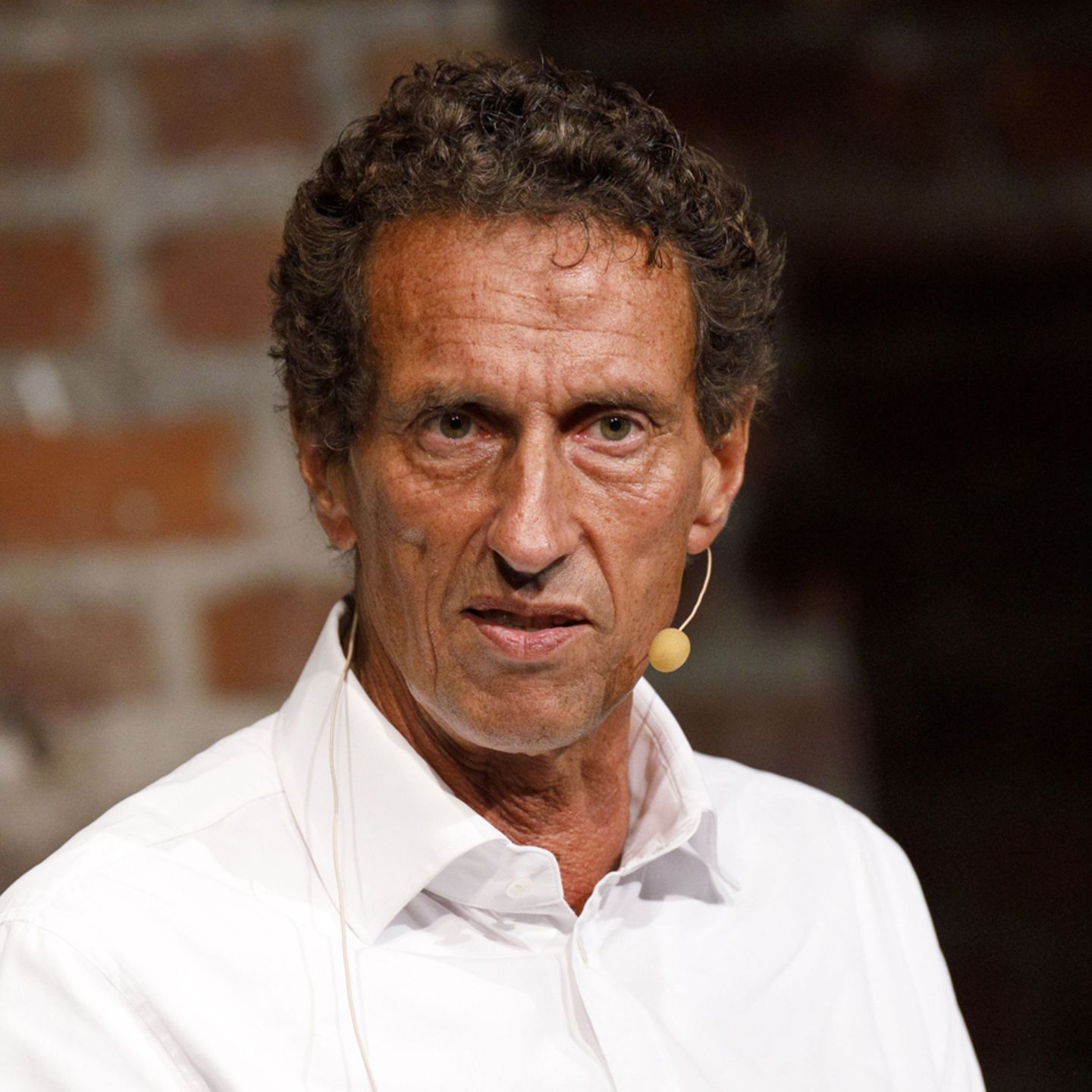
Dr. Julian Mond is a visual storyteller and researcher dedicated to the intersection of light, history, and human emotion. With a doctorate in Visual Arts, he combines academic precision with a cinematic eye to transform fleeting moments into timeless narratives. Through Mond Photos, he explores the world as a living gallery.